Character Animations & Animation Blueprint
I’m currently on a journey to learn character animations, rigging, and animation blueprint workflows in Unreal Engine. This is a part of a larger project to recreate combat RPG/souls-like systems & mechanics.
(I’m using Blender for character rigging and Cascadeur for animations/creating an IK rig)
I’ve made draw/sheathe animations for both 1-handed and 2-handed weapons. I’m using bones from the player skeleton to transfer these weapons from their attach points to the player’s hands and vice versa. I chose to use bones instead of Unreal’s sockets so I can import/attach weapons to the character inside of Cascadeur. This completely takes out guesswork of where and how weapons are positioned, so I can create precise animations.
NEW - Overview
After a couple weeks of RND, I’ve added more functionality and dynamics to the animation blueprint. This includes weapon poses, additive animations, blend masks, and other logic to drive animation blending and procedural movement.
WEAPON POSES
The first thing I worked towards was making weapon states to drive animations depending on the equipped weapon. At first, I was going to make unique animations for each weapon (idle, walking, jumping, etc.), but this would’ve taken A LOT of time. I wanted to find a better solution which is not only quick, but also adds enough uniqueness to animations and can be easily changed/added upon. So after research into what other games have done, I decided to go with weapon poses.
Idle Comparisons (OLD/NEW)
One-handed (Right)
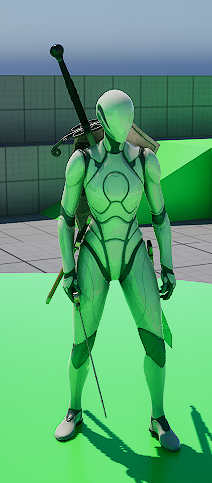
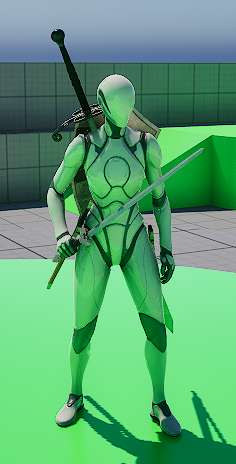
One-handed (Left)
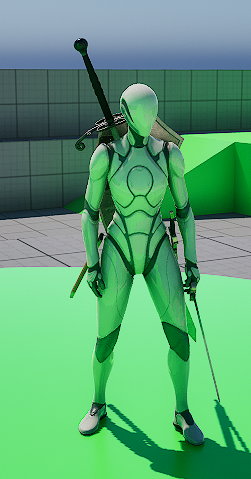
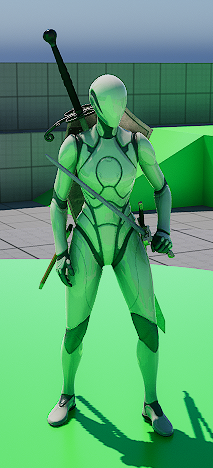
Dual-wield
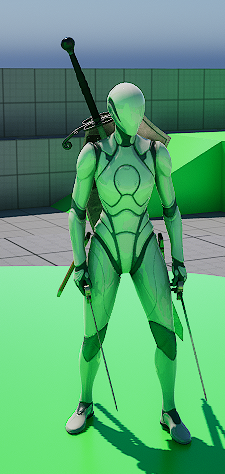
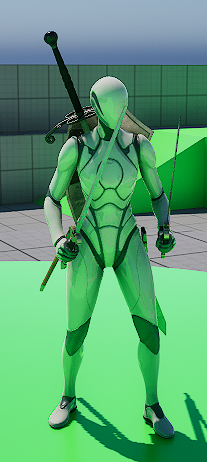
Two-handed
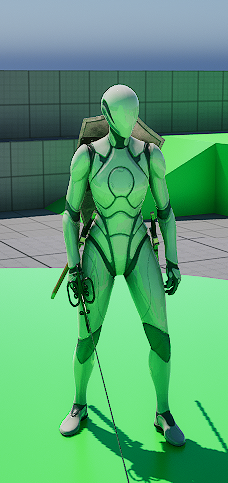
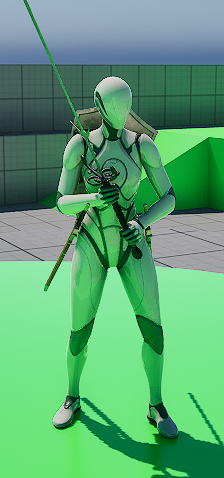
Weapon Poses - General Flow
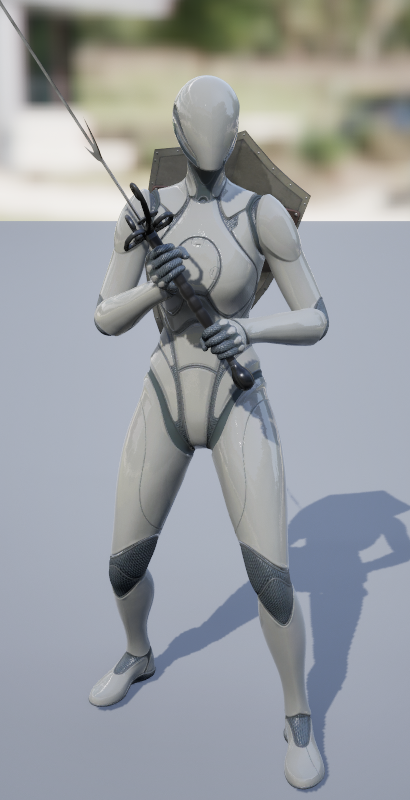
1. Weapon pose (single animation frame).
2. Weapon poses in animation graph, selected by character’s current active pose.
3. Blends the weapon pose with the base animations using left/right arm masks.
4. Arm blending can be adjusted per weapon type.
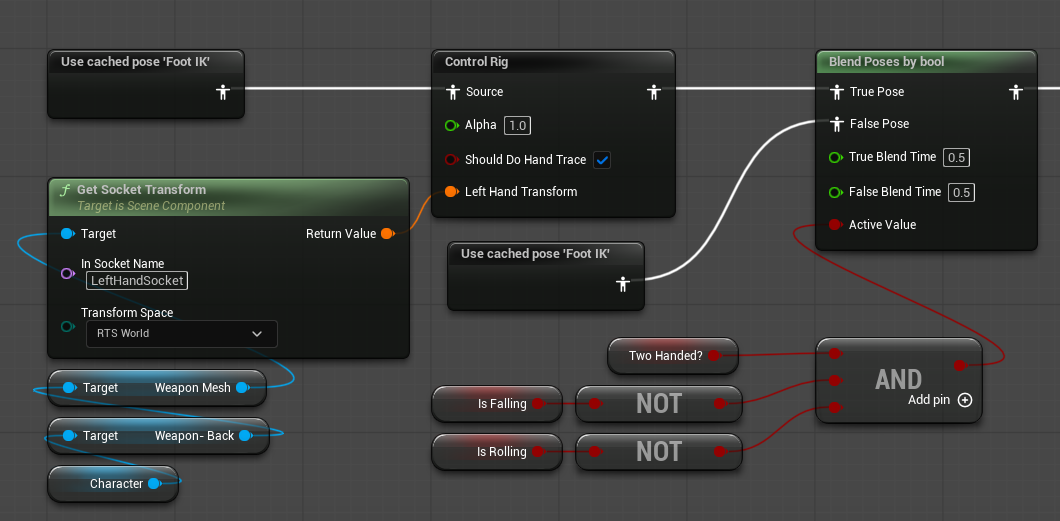
5. For two-handed weapons, a TwoBoneIK is used for left hand placement which can be adjusted uniquely per weapon.
Additive Animations
Additive leaning based on relative acceleration.
Additive landing based on impact falling velocity.
Additive breathing based on player stamina. (Shown in showcase video)